Although I don’t play Minecraft often, I find myself returning to it from time to time. Since my wife, children, and relatives enjoy the game, I initially thought about purchasing a Realm. However, I realized it would be more cost-effective and customizable to host my own server. So, I set up a Debian 12 (XLC), installed the necessary components like Tailscale, and launched a dedicated Minecraft server for my family.
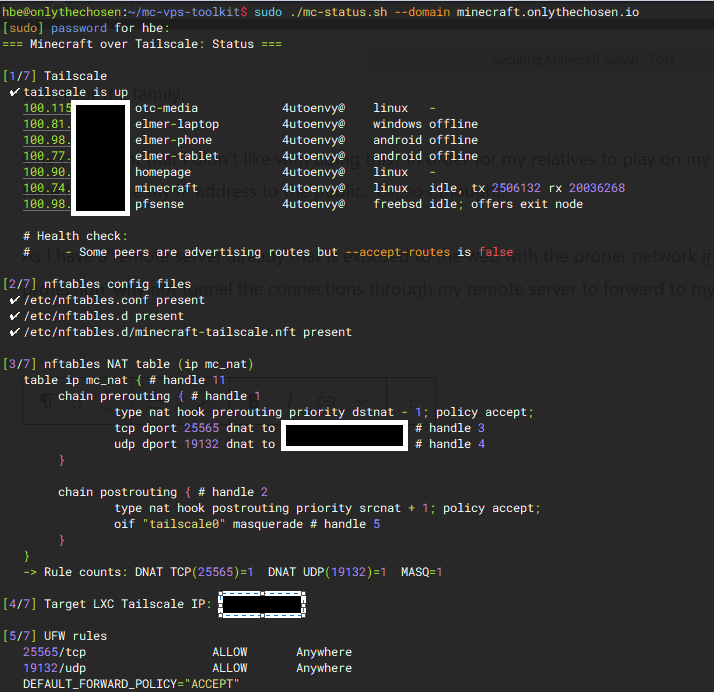
One challenge I faced was allowing my relatives to connect to my server without exposing my public IP address. Initially, I thought this would require directly opening my network to the outside world. But then I had a different idea: since I already run a remote server that’s properly secured and connected to the internet, why not tunnel the game connections through it to forward them securely to my home? This approach worked perfectly. It not only kept my network protected but also allowed me to develop a custom toolkit for managing and testing different configurations and outputs more efficiently.
Leave a Reply
You must be logged in to post a comment.